Three real apps. Not to-do lists.
PWA, Capacitor, React Native, and Flutter, taught through three real apps. The transaction on the right is real, straight from Chapter 4.
// two users tap "Book" on the same slot at once,
// exactly one must win, the other must see it's taken

const bookingId = await runTransaction(db,
  async (transaction) => {
  const lockSnap = await transaction.get(lockRef);

  if (lockSnap.exists() && lockSnap.data().bookingId) {
    // slot already booked, stop, nothing is written
    throw new Error('SLOT_TAKEN');
  }

  transaction.set(newBookingRef, { status: 'confirmed' });
  transaction.set(lockRef, { bookingId: newBookingRef.id });
});


Why not a To-Do or Weather app?
Because an AI coding assistant one-shots those in a single prompt. They don't build the skills that actually matter: dynamic form engines, race conditions when two clients write at once, custom parsers for messy real-world input. Every project in this book is deliberately chosen to resist that.
Three real, project-based apps
Field Survey App
A dynamic form engine, IndexedDB offline storage, and append-only sync. Not a static form, a real data-collection tool.
Room Booking
Firestore transactions that actually prevent double-booking under concurrent writes, plus a waitlist and realtime updates.

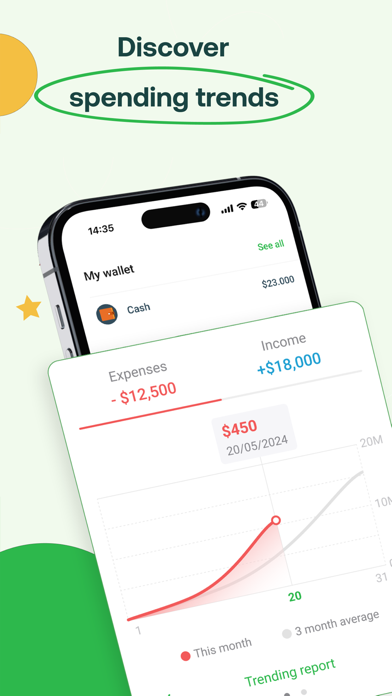
Expense OCR
ML Kit OCR wired to a real receipt parser. The kind of edge-case-riddled logic an AI assistant can't one-shot from a prompt.
11 core chapters + 2 extensions
From choosing a stack (Native vs. Hybrid vs. Cross-platform vs. PWA) through architecture, backend integration, AI features, and shipping to the app stores. Structured around the three projects above, in the order you'd actually build them.
See the full table of contents →- Web/backend developers moving into mobile
- CS students who want project-based learning, not toy tutorials
- Anyone deciding between Flutter, React Native, Capacitor, or PWA for a real product
Video courses: not built yet
A video course following the book is planned. Join the list above and you'll hear about it first, whether it ships here or on Udemy.
See course status →